01Capture
Capture your process
Record your screen or upload videos and images. RecGo identifies the steps in your workflow.


Record your screen, upload a video, or add a few screenshots. RecGo organizes them into steps and creates editable video tutorials and illustrated guides you can share.
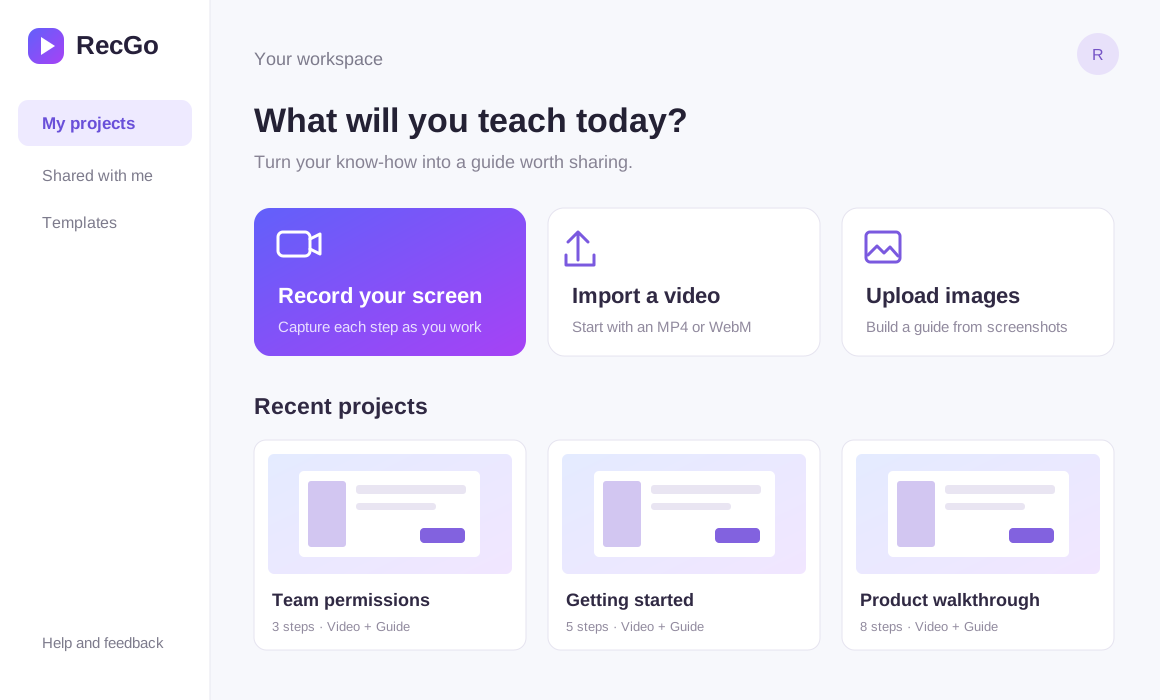
Start with a recording, video, or images. RecGo builds the step-by-step structure, so you can focus on the finishing touches.
Record your screen or upload videos and images. RecGo identifies the steps in your workflow.
Edit titles, descriptions, screenshots, scripts, captions, voiceovers, and annotations to make every step clear.
Export the same content as a video tutorial and an illustrated guide. Share with customers, teammates, or learners.
Use smart browser capture, record your screen, or upload videos and images. Every option brings you to the same step-based editor.
Walk through a task on your website. RecGo captures the screen before each click and its location, then organizes the recording into a sequence of steps.
Start recording with your browser's built-in screen picker. No extension needed. Ideal for desktop apps, workflows across windows, and continuous demos.
Import a video with its original timing. Split, trim, or replace steps on the timeline, then add your script and captions.
Upload screenshots or images and turn each one into an editable step. Add titles, a script, captions, and voiceover to create a complete video.
RecGo organizes content around steps. Make a change once and both your video tutorial and illustrated guide stay in sync.
Reorder steps, split clips, and adjust timing to keep the process flowing.
Edit each step's script and caption timing with an updated visual preview.
Replace a step's video or upload and record voiceovers while keeping its content intact.
Watch the same steps as a video or read them as an illustrated guide.
From explaining your product to documenting internal processes, turn one real demonstration into knowledge your team can keep using.
Show new features, key workflows, and product value to help users get started faster.
Turn common questions into visual guides and spend less time explaining the same thing.
Document standard processes so new teammates can follow along independently.
Capture how work gets done, so team knowledge lives beyond conversations and chat history.
The task is often the easy part. Taking screenshots afterward, retracing steps, writing instructions, and recreating them in different formats takes the time.
Record your screen, upload a video, or add images. Three ways to create video tutorials and illustrated guides, faster.
Create your guide →Purpose-built tools for the way you create. RecGo turns real workflows into tutorials. SceneGo takes ideas, scripts, and assets all the way to a finished video.